Services where you are
Book professional beauty services at home or another supported location.
Nakar Salon
Discover professional hairstylists, barbers, makeup artists, and nail technicians who bring their services directly to you. Book conveniently through Nakar Salon.
A mobile salon marketplace — professionals travel to you. Bookings live in the app, not on this website.
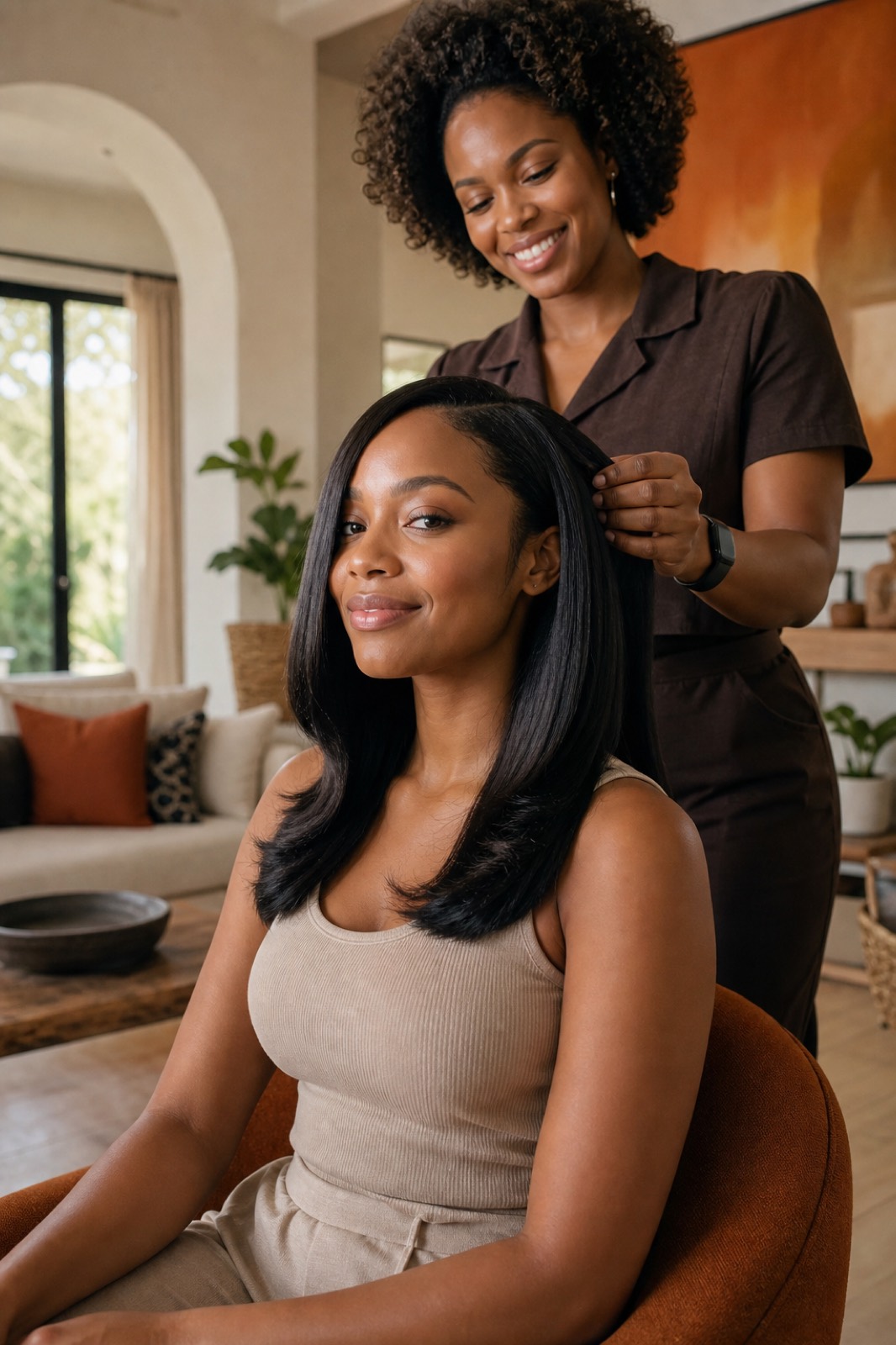
Services
From beautiful hairstyles to professional grooming, makeup and nail care, discover the right professional for your next look.

Box braids, knotless braids, French braids and other popular braiding styles.
Discover Service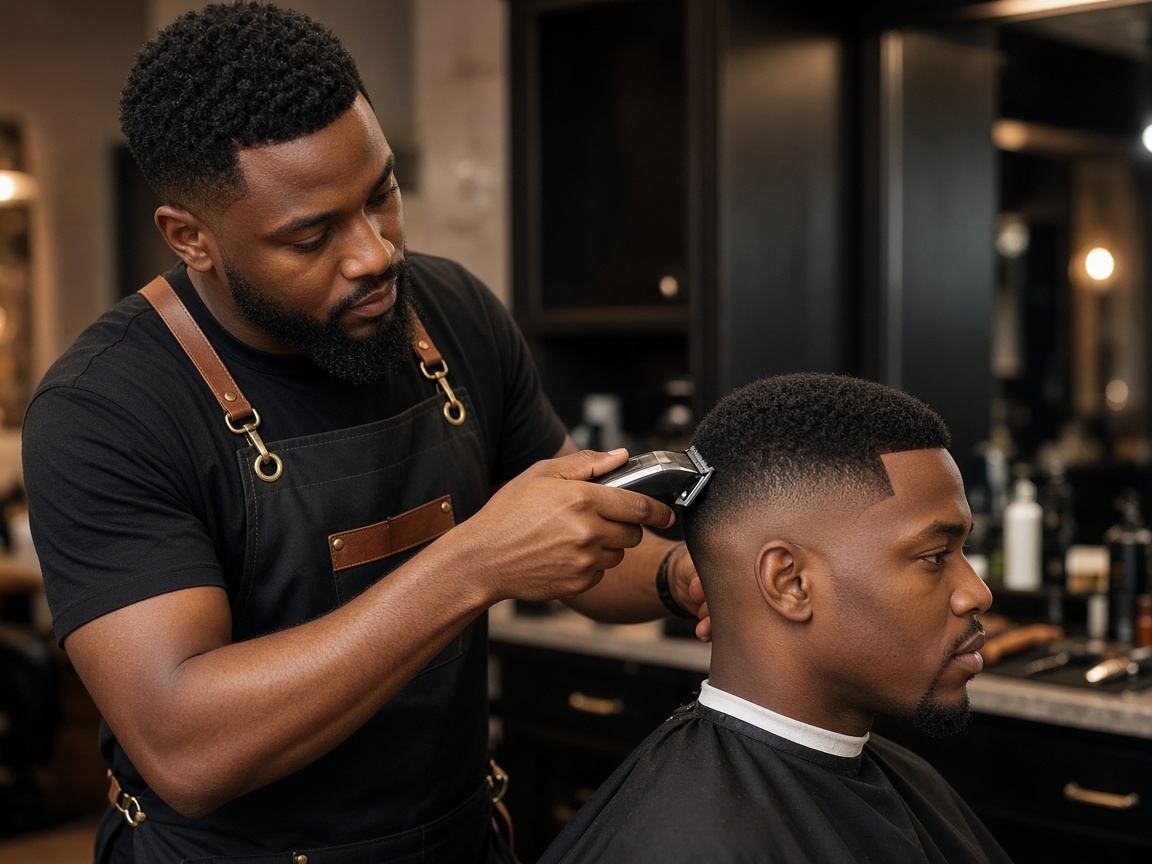
Men’s haircuts, fades, German cuts, beard grooming and professional barbering.
Discover Service
Straight-back cornrows, stitch braids, pattern cornrows and creative protective styles.
Discover Service
Wig installation, lace frontal installation, wig styling and customization.
Discover Service
Natural hair styling, wash and treatment, natural curls and protective styles.
Discover Service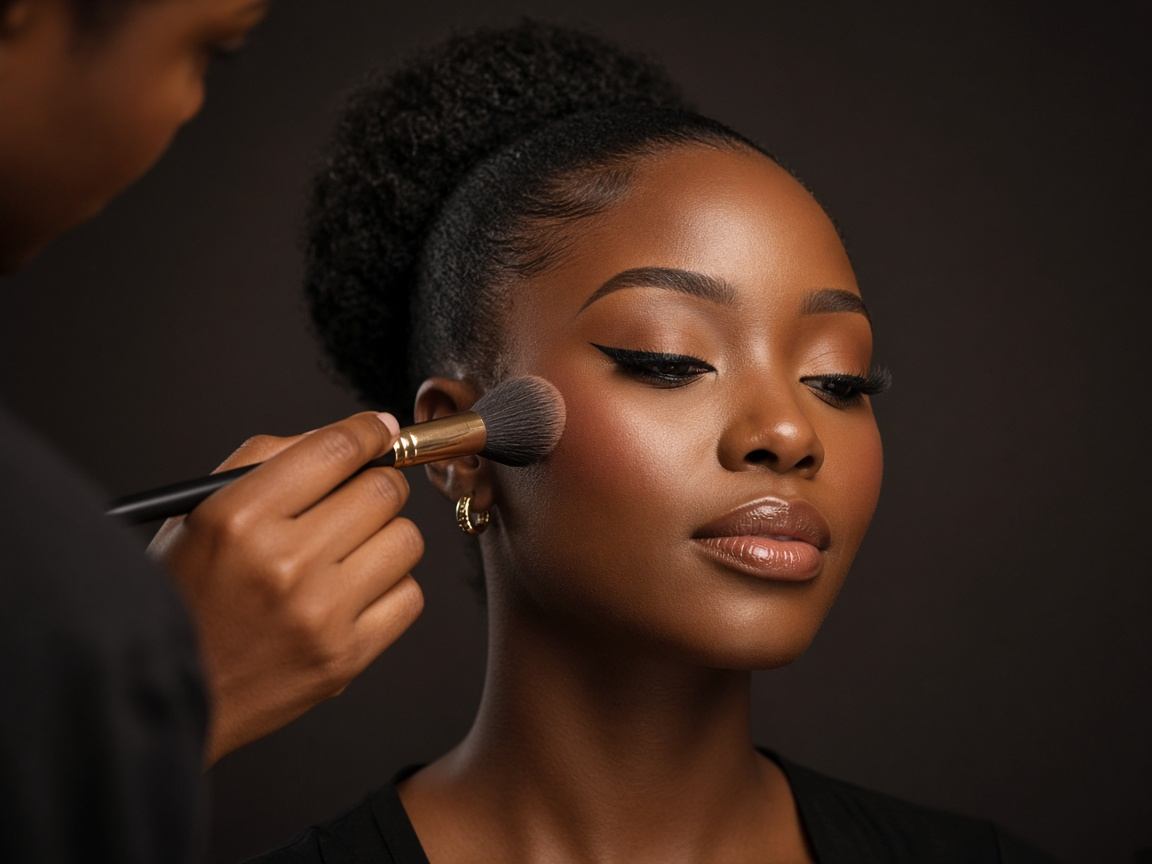
Everyday makeup, soft glam, full glam and special occasion looks.
Discover Service
Manicure, pedicure, acrylic nails, gel nails and creative nail art.
Discover Service
Bridal hairstyles, bridal makeup, wedding beauty preparation and elegant looks.
Discover ServiceInspiration
Editorial inspiration across all eight Nakar Salon categories — open the app to find professionals who list the look you want.
Customer journey
From download to rating — every booking step happens in the Nakar Salon app.
Install Nakar Salon on iOS or Android and register as a customer.
Explore available professionals and the services they have listed near you.
Choose a professional and your preferred service from their profile.
Check the service price and any applicable travel charges before you continue.
Confirm in the app when you are ready. Nothing books on this website.
Track booking progress and communicate with the professional in-app.
The professional arrives at your selected location with their kit.
Complete payment through the app according to that booking’s payment process.
Rate your experience and optionally tip the professional in the app.
For customers
Short reasons people choose a mobile salon marketplace over travel to a chair.
Book professional beauty services at home or another supported location.
Browse, confirm and manage your booking on your phone.
Review available professionals before you choose.
See professional profiles and customer ratings in the app.
Review applicable prices and travel before you confirm.
Follow booking status and keep communication in the app.
Hair, makeup, nails and bridal when listed nearby.
Get help through the application and support@nakarsalon.com.
For beauty professionals
Nakar Salon welcomes individual hairstylists, barbers, makeup artists, nail technicians, beauty specialists, and established salon businesses. There is no joining fee. Apply in the app — this website does not take applications.
You work under your own name. Complete ID verification, list your services and prices, set availability and travel, then receive eligible booking requests when approved and online.
An established salon business joins with the business documents the app requests. Once approved, the salon can set up its shop profile, services and travel arrangements in the app.
Onboarding
Advantages
Nakar does not guarantee income or a set number of bookings. Demand depends on your area, listings, ratings and when you are online.
Business salons
Established salon businesses can join Nakar Salon alongside individual professionals. A live business listing needs the business documents the app asks for. Once approved, you set up the salon shop, services, prices, availability and travel in the app.
Operations such as booking management, payouts and financial records follow the tools and processes shown in the Nakar Salon app and the professional terms. We do not advertise features that are not available for your account type.
Safety & trust
We describe verification and safety processes as they are implemented. A professional is only treated as verified after the relevant checks and approval are completed.
Professionals complete ID verification before they receive jobs. Salon businesses submit the business documents the app requests.
A live listing needs the ID or business documents the app asks for. Listings can be paused if documents are missing or misleading.
Professionals wait for the required approval before they can receive eligible booking requests.
Before you confirm, review the professional’s profile details shown in the app, including ratings where available.
Keep chat in the app so there is a record. Do not move bookings to Instagram or WhatsApp.
Follow progress on the way to your door and report problems through the app or safety@nakarsalon.com.
After a completed session, ratings help the next customer decide.
Support is available in the app and at support@nakarsalon.com. Emergencies: call 10111 or 112.
Pricing & payment
Professionals configure their own service prices and applicable travel charges in the application. Nakar does not publish a fixed rand menu on this website.
Customers review the applicable charges before confirming a booking. You complete payment through the app according to that booking’s payment process — typically after the session ends. Tips are optional and only captured after you confirm them.
Nakar adds a markup on the listed service price shown to the customer. Professionals receive 100% of the amount they set. Travel they charge is paid to them in full, subject to the cancellation policy and professional terms.
Service and travel amounts come from the listing, not a website price list.
Review charges in the app before you lock in the booking.
Follow the in-app payment flow for that booking. Prefer not to pay cash extras off-app.
Testimonials
We only publish reviews that are real and authorised. When verified customer and professional feedback is ready to share, it will appear here.
This space is ready for authorised customer feedback, professional experiences and verified ratings from the Nakar Salon app. We will not invent names, photos, ratings or quotes.
Share your experience in the appFAQ
Answers match Nakar Salon app rules and policies. Bookings, payments and account actions happen in the app.
Download Nakar Salon, create an account, and choose the customer role. You must be 18 or older. If a session is for someone under 18, a parent or guardian must create the account and be present.
Open the app at your address and browse professionals whose travel arrangements include your location. Availability depends on who is operating nearby — not a city list on this website.
Select a professional and service, review charges, then confirm in the app. This website does not take bookings.
Professionals travel to the location you select in the booking flow, typically your home or another supported address with access notes, a chair and a working plug point where needed.
Professionals set their listed service prices. You see the applicable total in the app before you confirm. Nakar does not publish fixed prices here.
Professionals configure applicable travel charges in the app. Review them before confirming. Late cancellations may still include travel the professional has already started — see Cancellations.
Complete payment through the app according to the booking’s payment process. You typically pay after the session. Prefer not to pay cash extras that were not in the booking unless you choose an in-app tip.
Cancel in the app or email support@nakarsalon.com with your booking reference. Fee windows are explained on the cancellations page.
Because you normally pay after the session, most cancels capture nothing. If a payment was taken, refunds go back to the original method within 5–10 business days, depending on your bank.
Yes. After a completed session, rate your experience in the app. Ratings stay on the professional’s profile for future customers.
Tips are optional and only captured after you confirm them in the app.
Professionals are ID-verified before they receive jobs. Review profile details before confirming, track arrival, keep chat in-app, and report issues via the app or safety@nakarsalon.com. Read Safety.
Use in-app support or email support@nakarsalon.com. For emergencies call 10111 or 112 — Nakar support is not an emergency service.
Manage your account in the app. You may delete your Salon account in the app or by emailing privacy@nakarsalon.com.
Download the app, register, choose Individual Professional or Business Salon, complete verification, submit required documents, and wait for approval. There is no joining fee. Apply in the app, not on this website.
Individual professionals complete ID verification and provide the documents and listing details the app requests before they can receive jobs.
Salon businesses submit the business documents the app asks for. A live listing needs those documents. Nakar may pause listings that are unsafe, misleading or incomplete.
Nakar requires ID or business document checks and approval before professionals receive jobs. We only describe screening steps that are actually completed for an account. See Safety and the professional terms.
After business approval, set up the salon shop profile in the app, then add services, prices, availability and travel arrangements.
List the services you actually provide, with accurate photos and descriptions, from your professional or salon setup screens in the app.
You set your listed service prices in the app. You receive 100% of the amount you set. Customers see a total that includes Nakar’s markup on the listed service price.
Configure how travel is charged and the area you cover in the app. Keep vehicle details accurate when the app requests them for a booking.
Once approved and online, you can receive eligible booking requests in areas you cover. Demand is not guaranteed.
Use the app to configure when you can accept work and keep your calendar accurate.
Business salon tools available to your account are shown in the app after approval. This website only describes features that are actually available for your account type.
Customers pay in the app after the session. Payouts to professionals typically follow within about 48 hours, subject to holds for disputes, chargebacks or safety reviews. See the professional terms.
Customers can rate completed sessions. Ratings appear on your profile and help future customers choose.
Contact support in the app or email support@nakarsalon.com. Safety concerns: safety@nakarsalon.com.
No matching questions. Try another search or switch tabs.
South Africa
Nakar Salon is intended to serve customers across South Africa. Actual availability depends on professionals operating within the relevant service area. Open the app at your address to see who can come — we do not claim that every city or town currently has active professionals.
Download
Discover professionals, choose your service, and enjoy convenient beauty services wherever you are.
Browse nearby professionals, review charges, and book house-call beauty in the app.
Verify, list your services and prices, set travel, and receive eligible booking requests when approved.